
To submit payment via Zelle, follow the steps below:
- Open your banking app
Use your bank’s mobile app that supports Zelle (e.g., Chase, Bank of America, Wells Fargo, etc.). - Navigate to Zelle
Select Zelle® from the payments or transfers menu. - Scan this QR Code
Choose “Scan QR Code” and use your phone’s camera to scan the QR code provided on this invoice or screen.
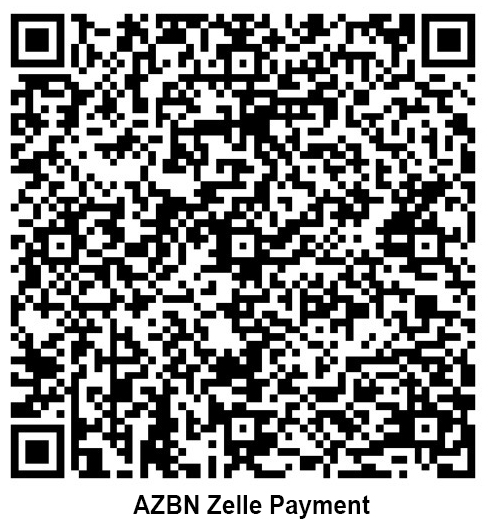
- Verify Recipient Details
Confirm the recipient name and payment destination are correct before proceeding. - Enter Payment Amount
Input the exact invoice amount due. - Add Reference Information
In the memo/notes field, enter the Invoice Number or Project Name for proper allocation. - Authorize Payment
Review all details and submit the payment. - Retain Confirmation
Save or screenshot the payment confirmation for your records.